


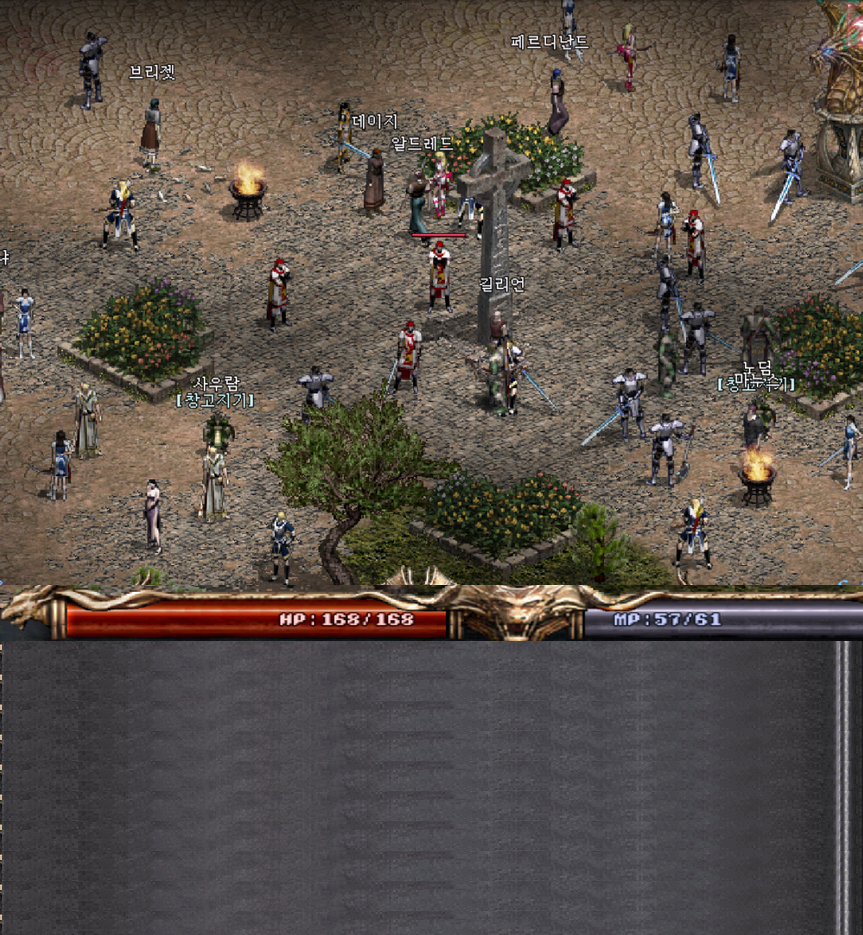

Chat Log (click to copy)
Messages will appear here
How to Use
- Type the message you want to send in the input field below.
- Select the text you want to color by dragging, then pick a color from the palette.
- Press Enter and the result will appear in the chat window.
- Click the copy area's [Copy] button to get the color-coded text.
- PurpleOn to connect to Lineage Classic, then paste with Ctrl+V in the chat window!
- If typing doesn't work in PurpleOn, press Tab to open and close inventory once.